Generate beautiful App Store screenshots for your app
Paste your app's App Store link or GitHub repo. Rork will design modern, beautiful App Store screenshots for your app.
No sign-upFree in betaApp Store sizes
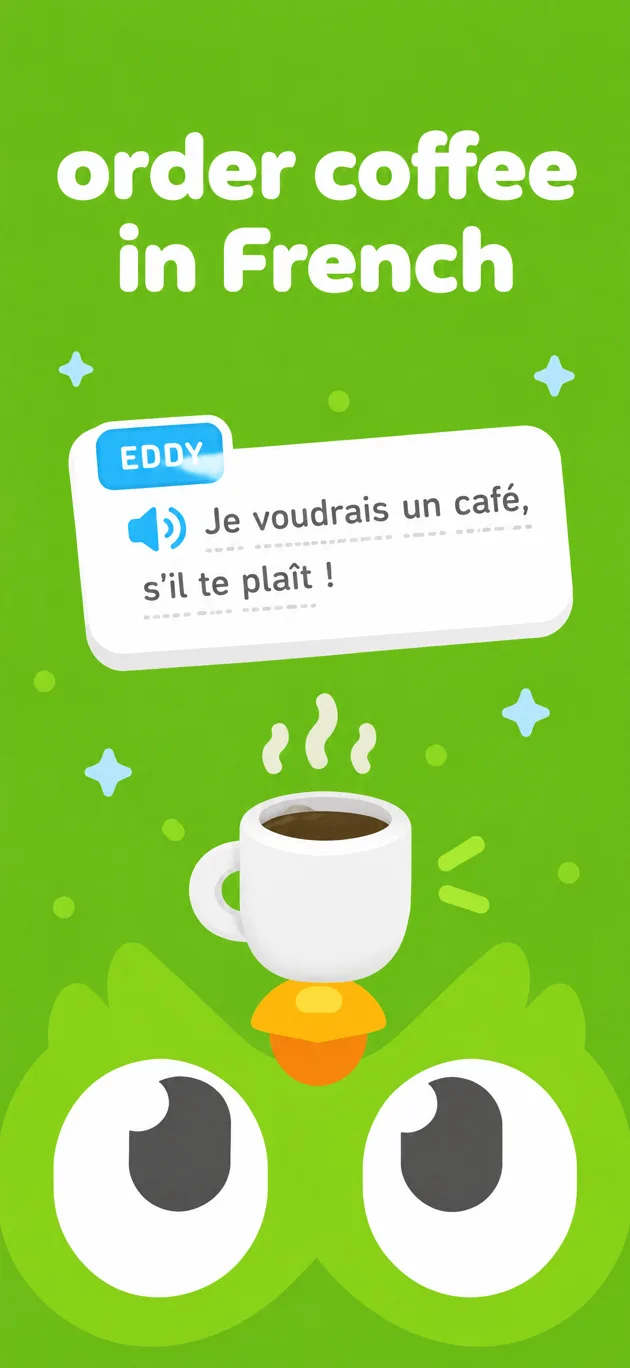
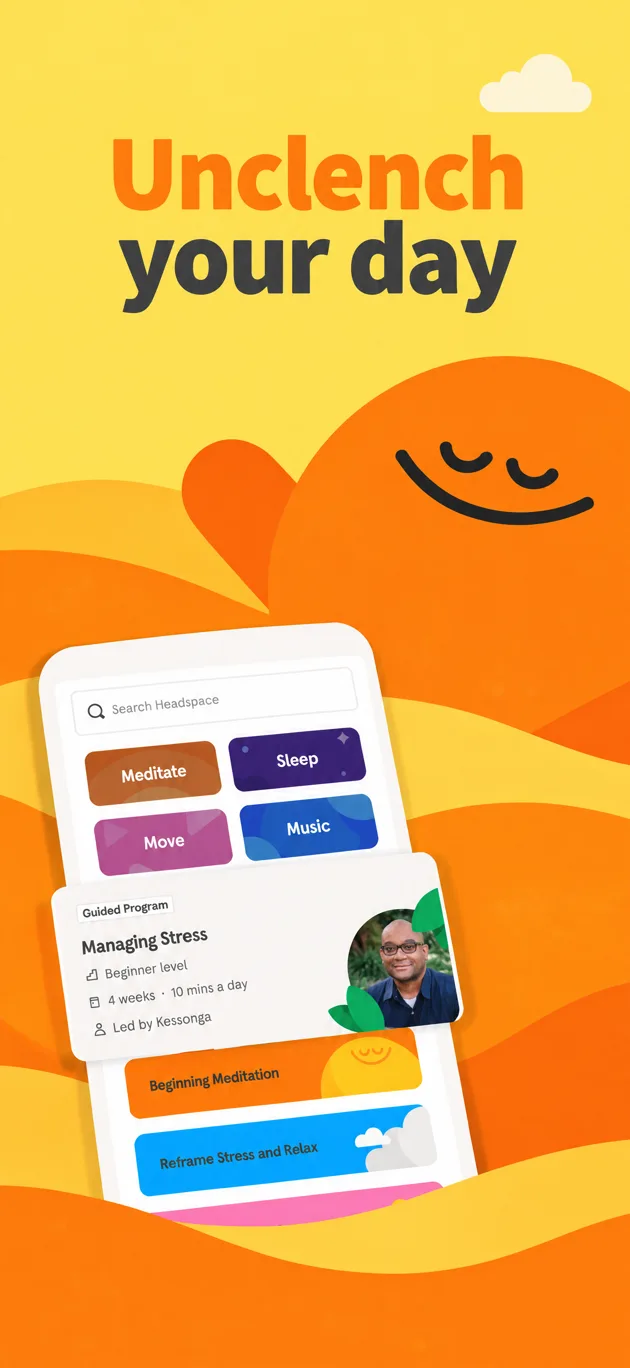

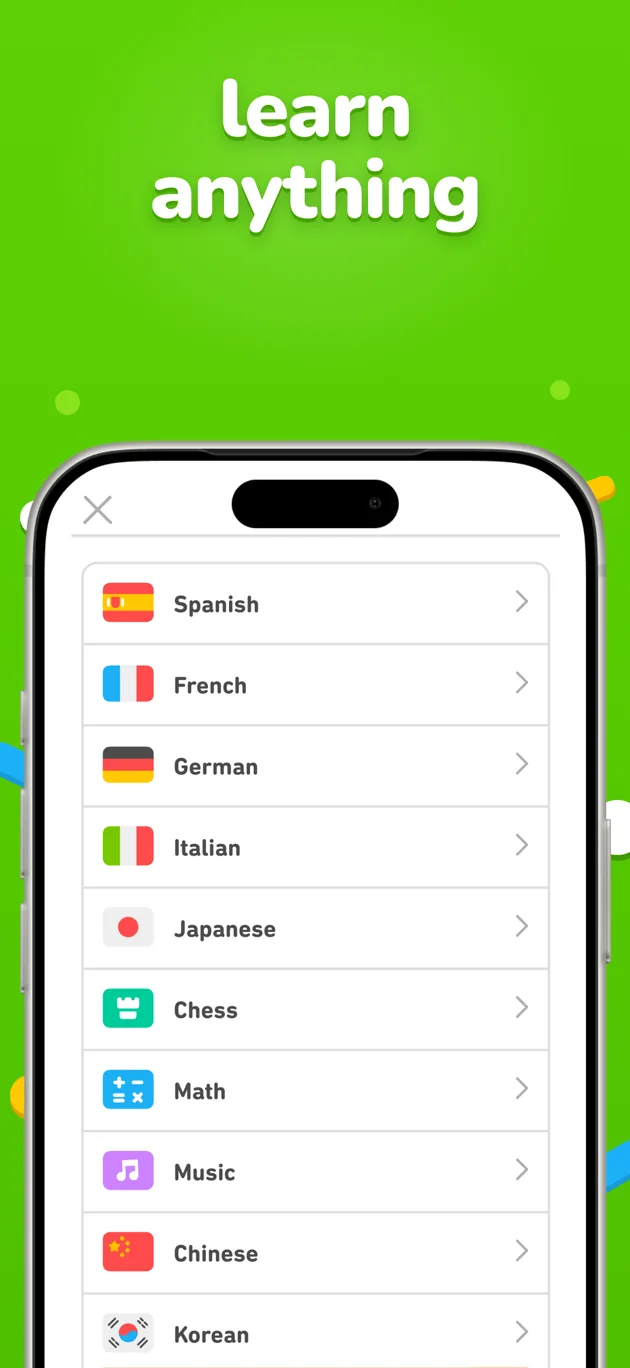
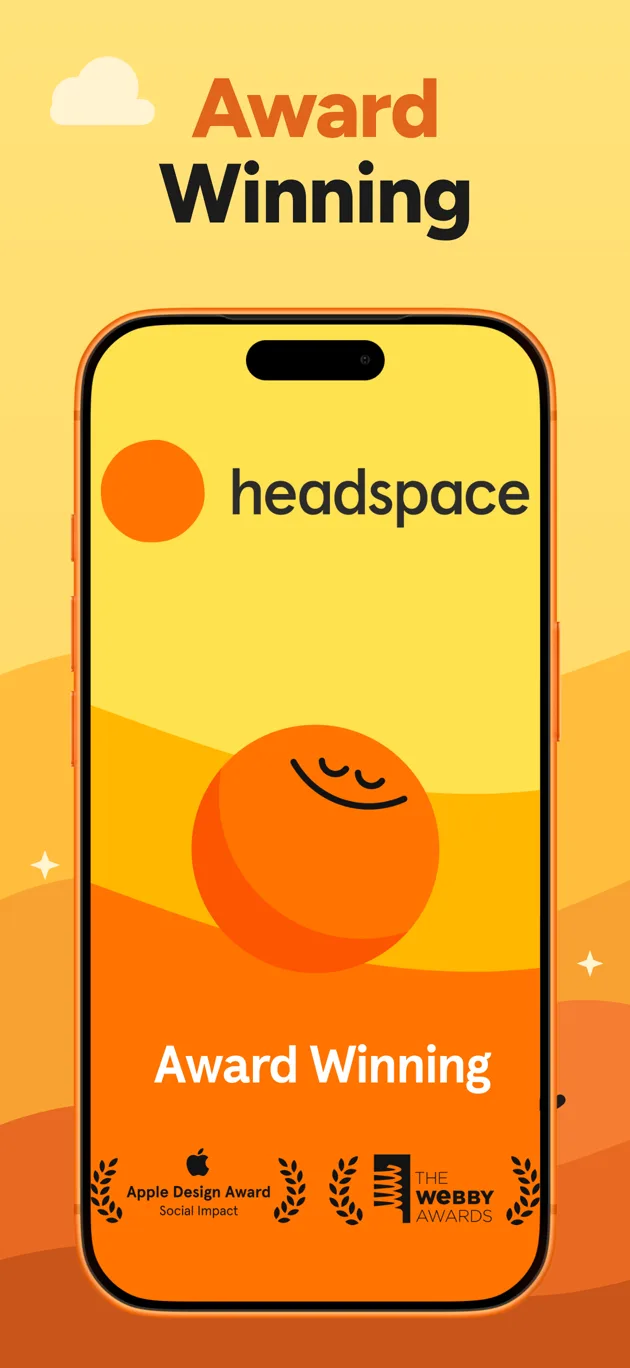

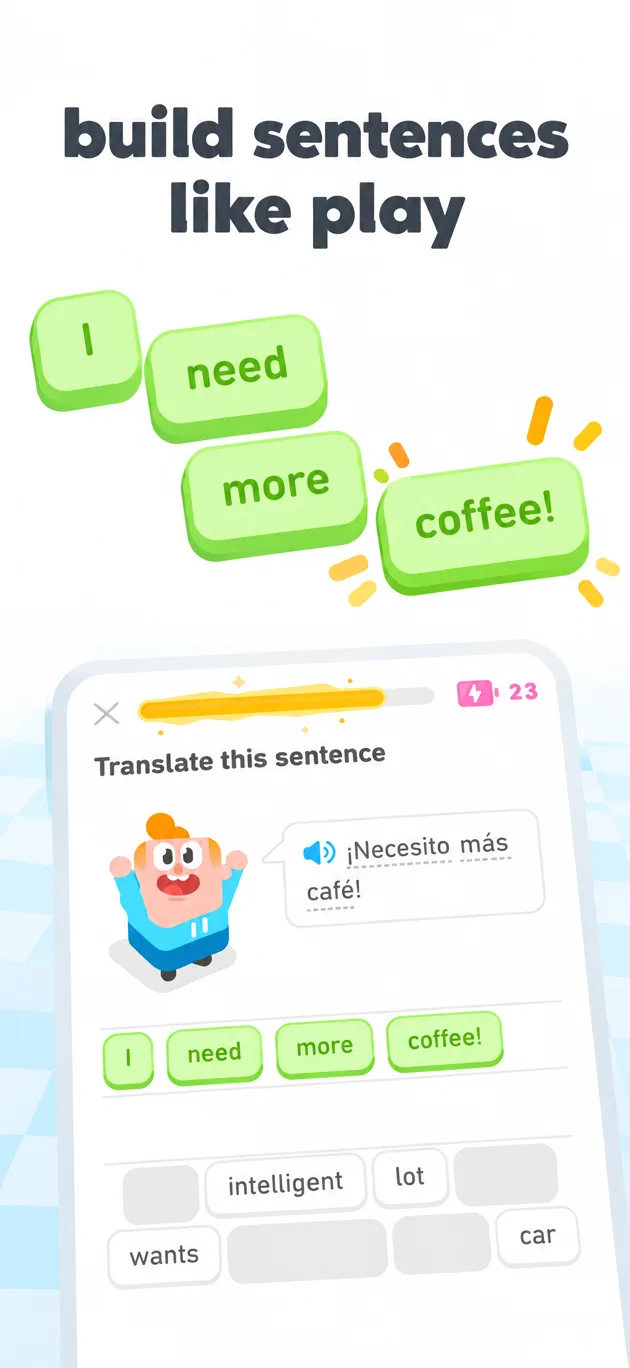
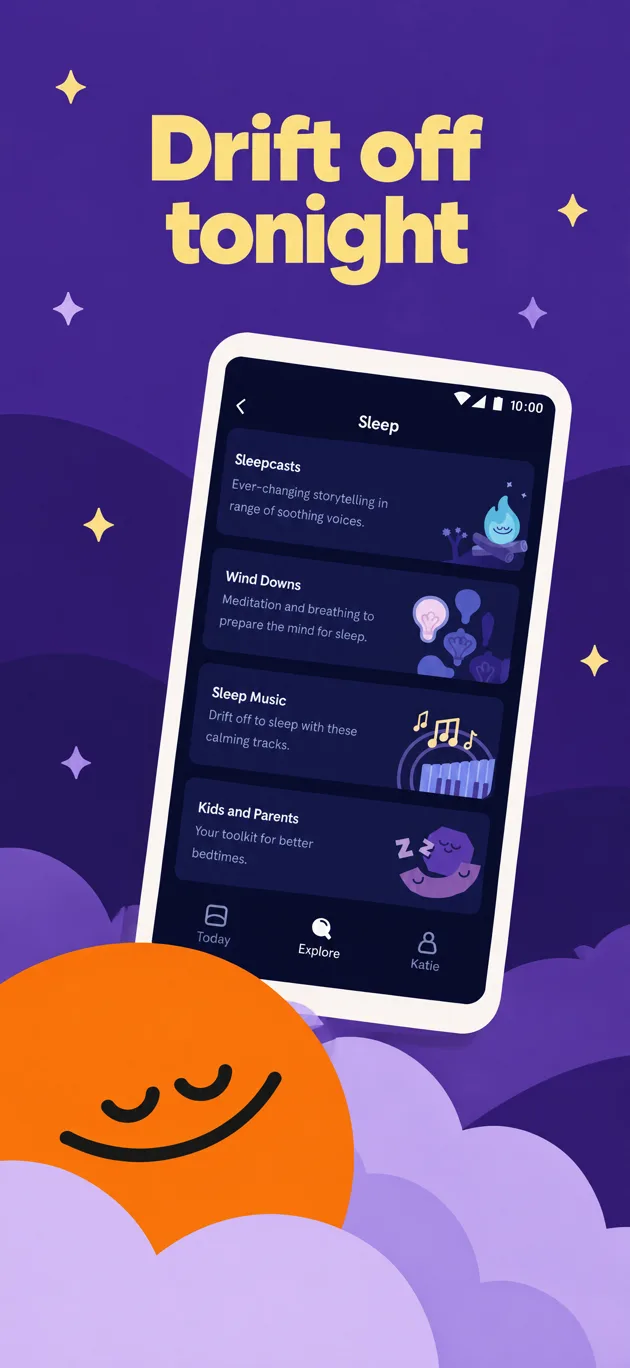

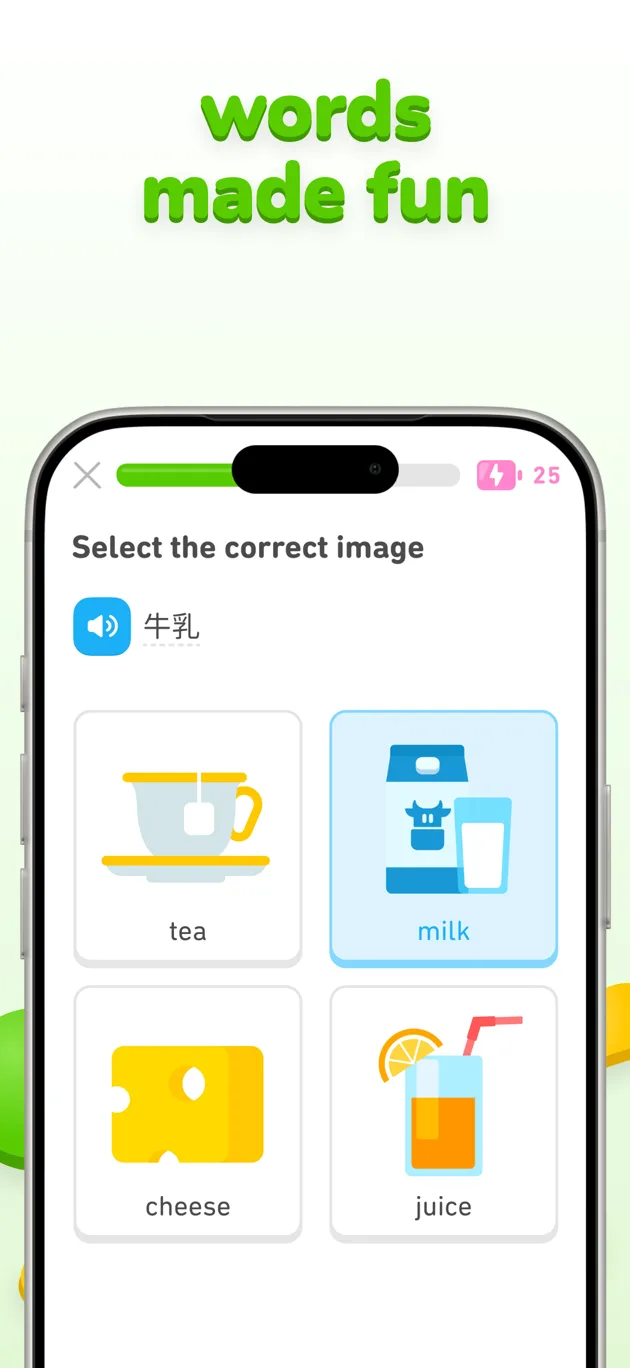
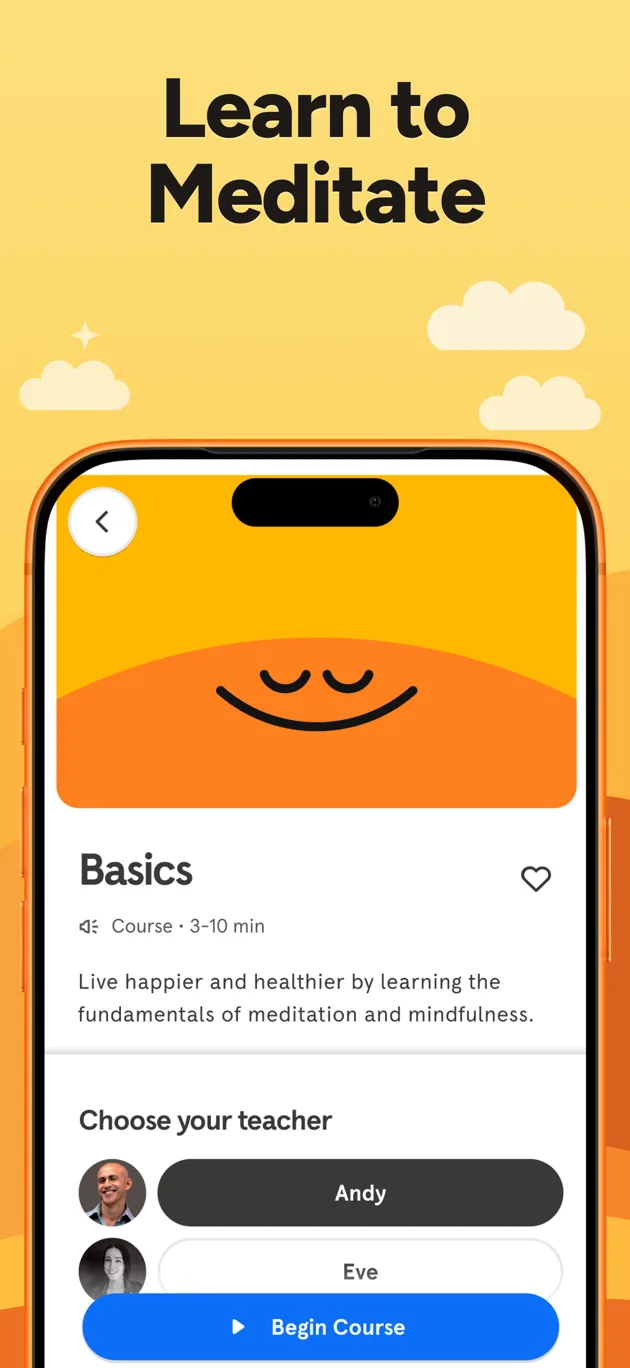

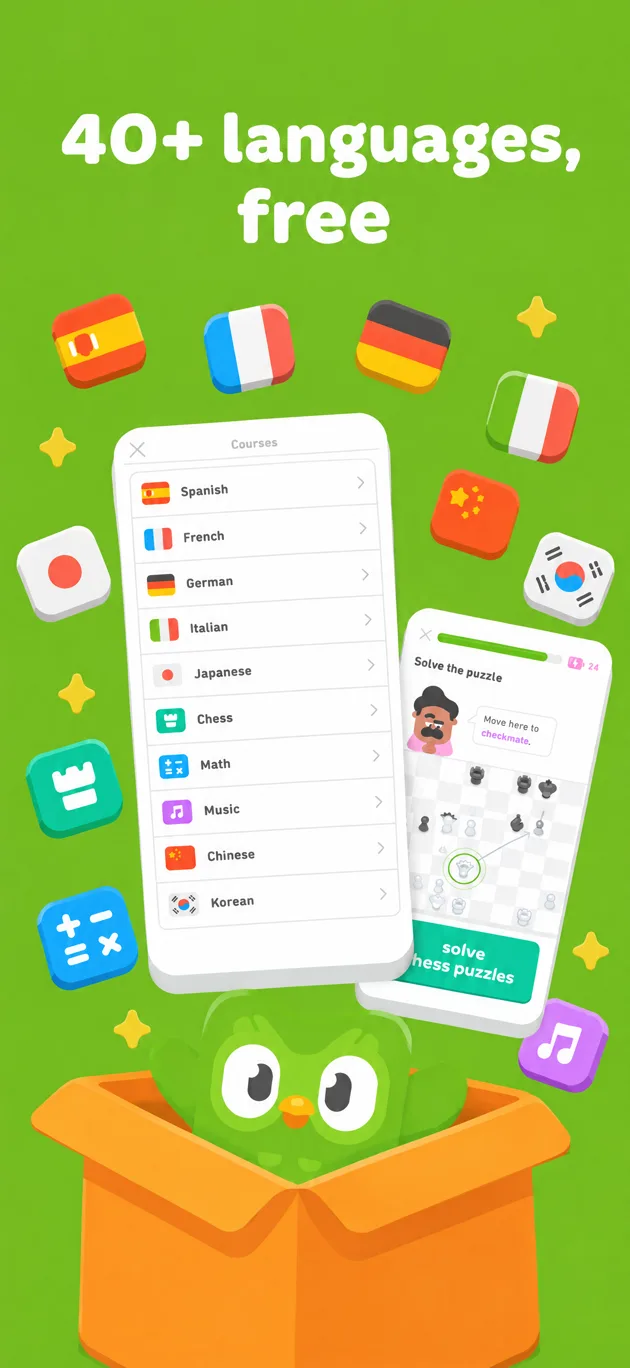
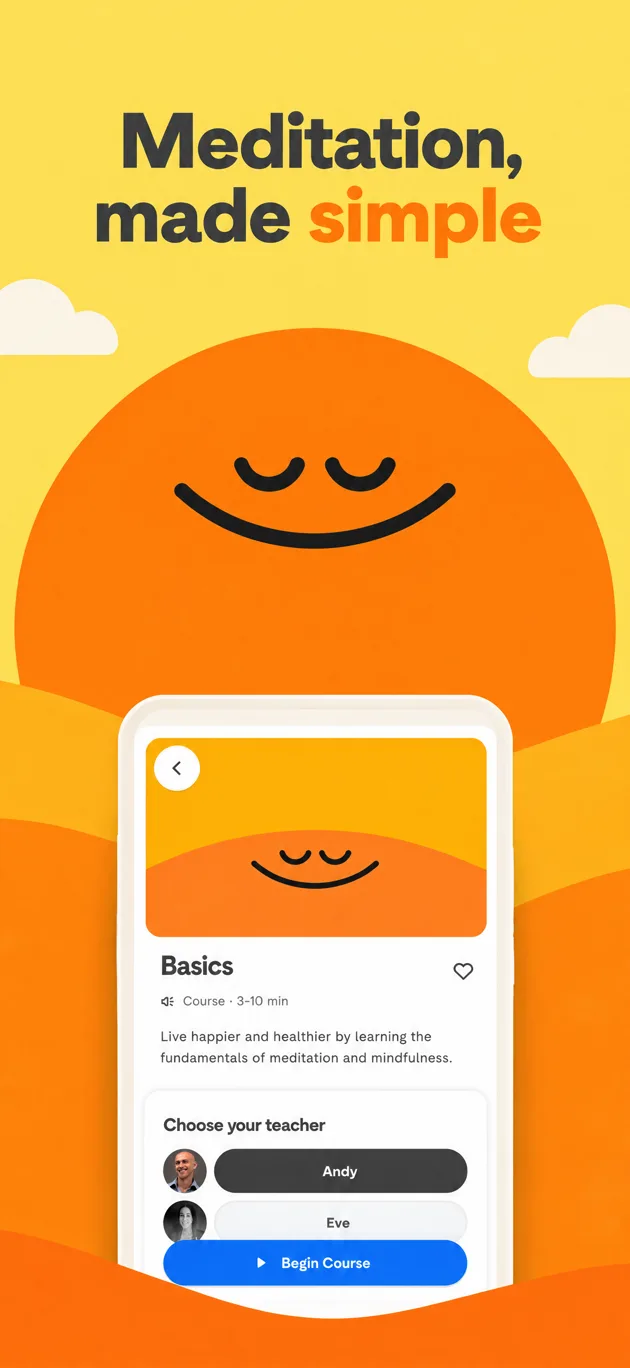

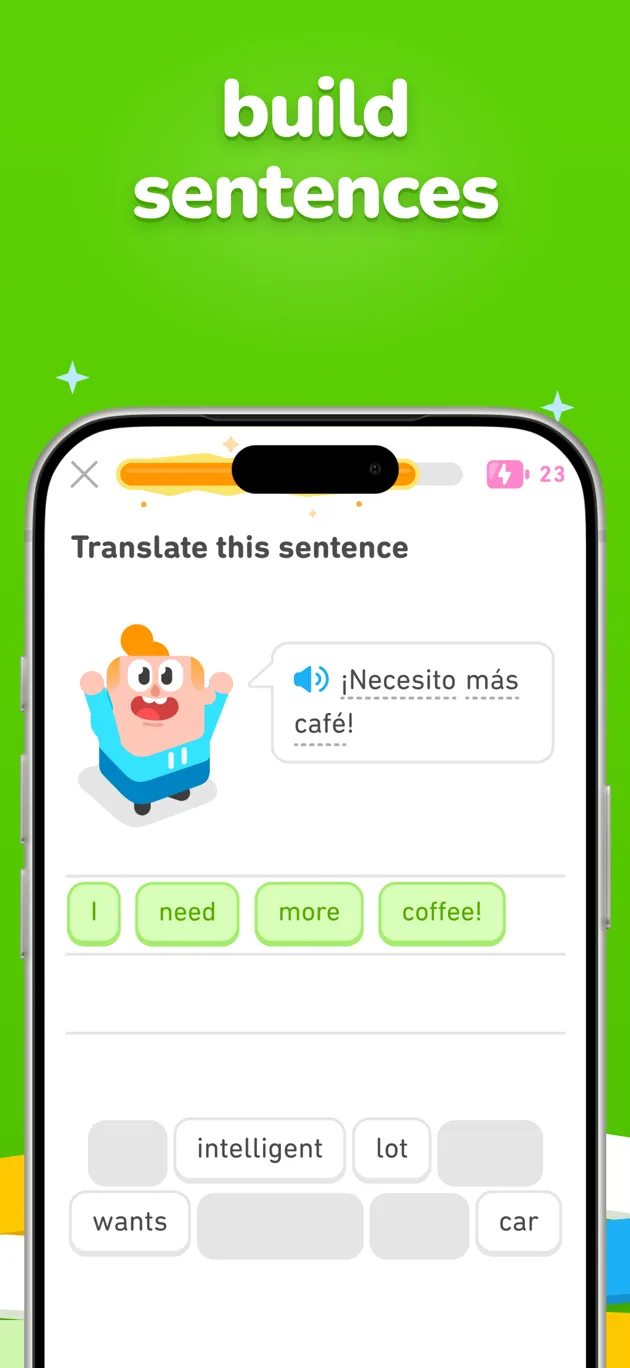
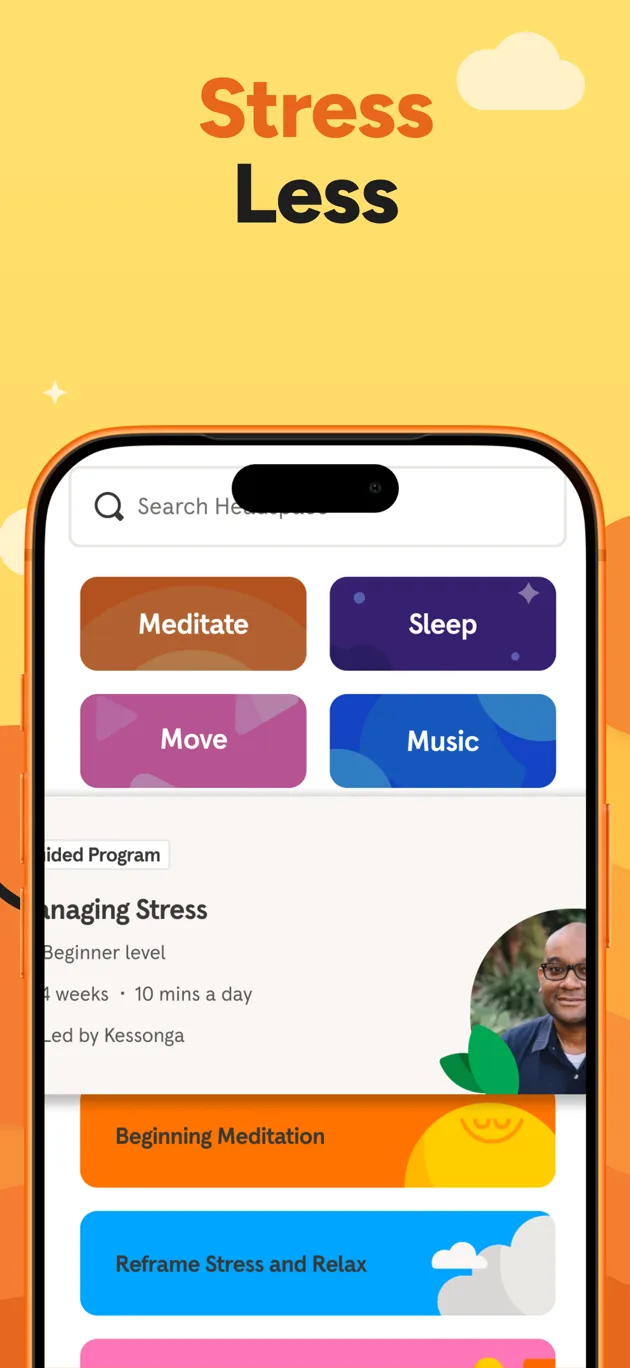

Most screenshot tools drop your screens into a template. Screenshot Studio starts the way a studio does: it reads your listing and writes a brief.
One concept, one palette, one typeface family. Three opening images carry the pitch, and every screen after them is framed to match.
Paste a link, wait about a minute, and download PNGs at the sizes App Store Connect accepts. Free while in beta, no account needed.
Real output.
Two listings, rebuilt as campaigns
Both sets below came out of the Studio exactly as shown, from the public App Store listing and nothing else. The apps are named by what they do; the point is the format.
Task manager
A clear mind: every loose thought captured and put in its place, so you can calmly focus on today and make steady progress on bigger goals.
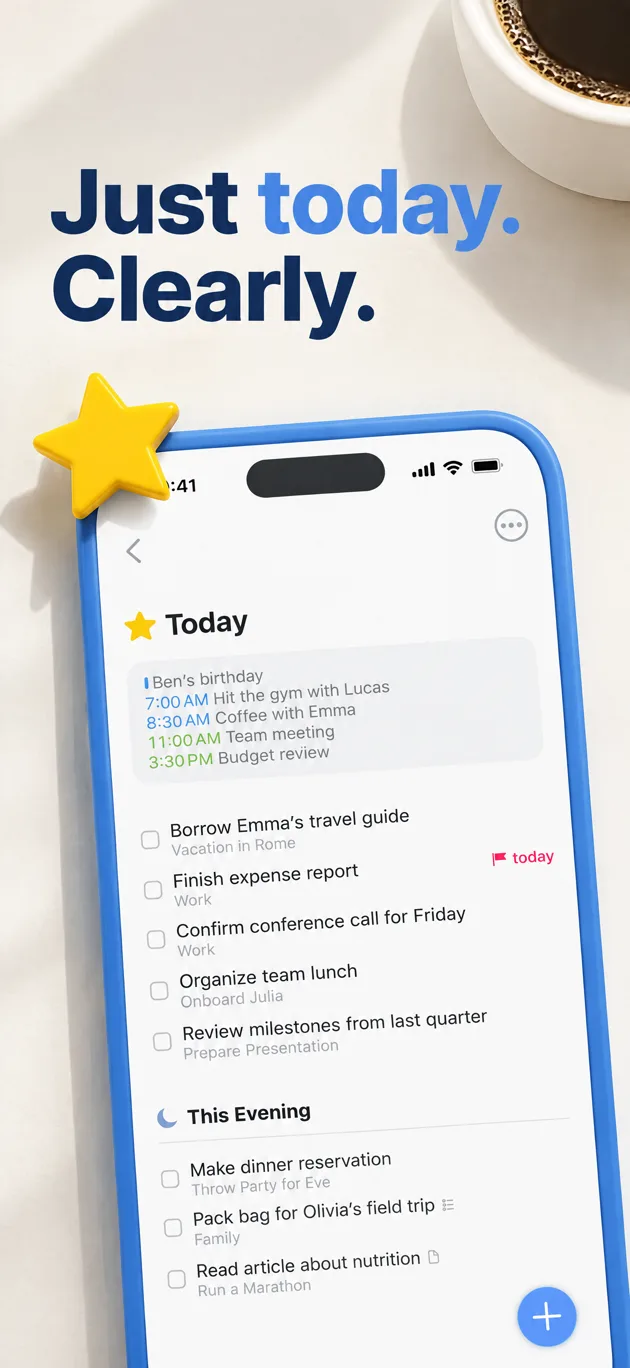
Opening 1 of 3
Just today. Clearly.
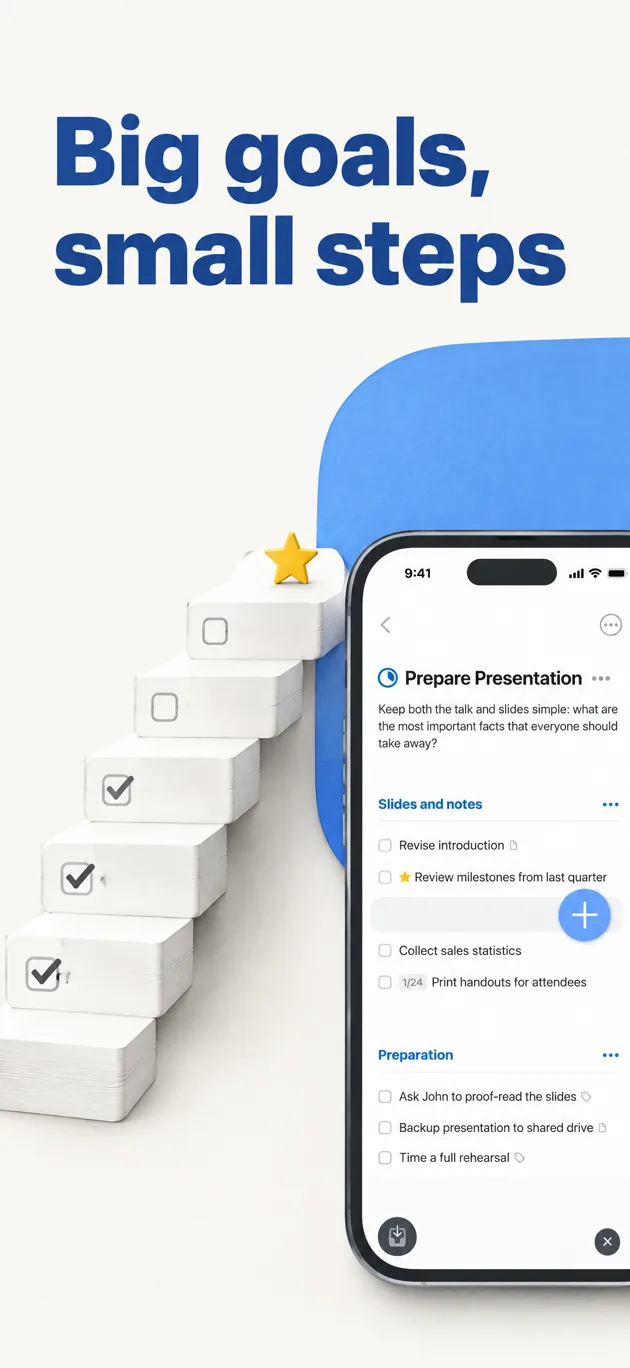
Opening 2 of 3
Big goals, small steps
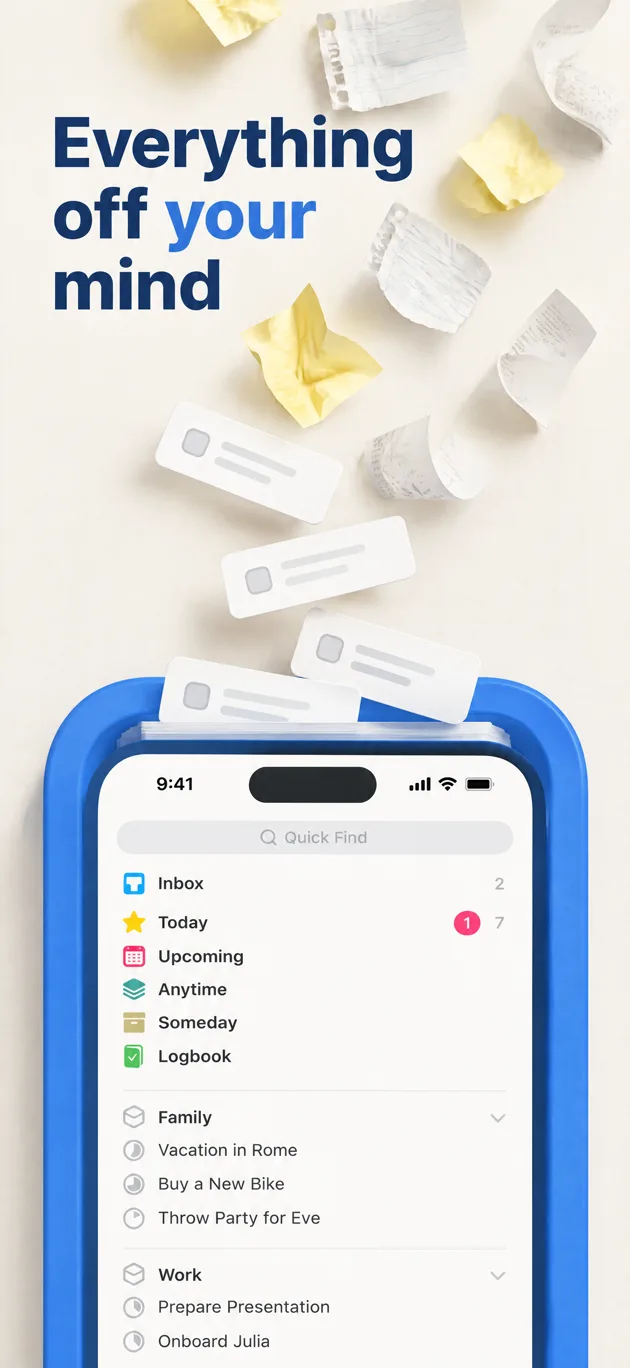
Opening 3 of 3
Everything off your mind
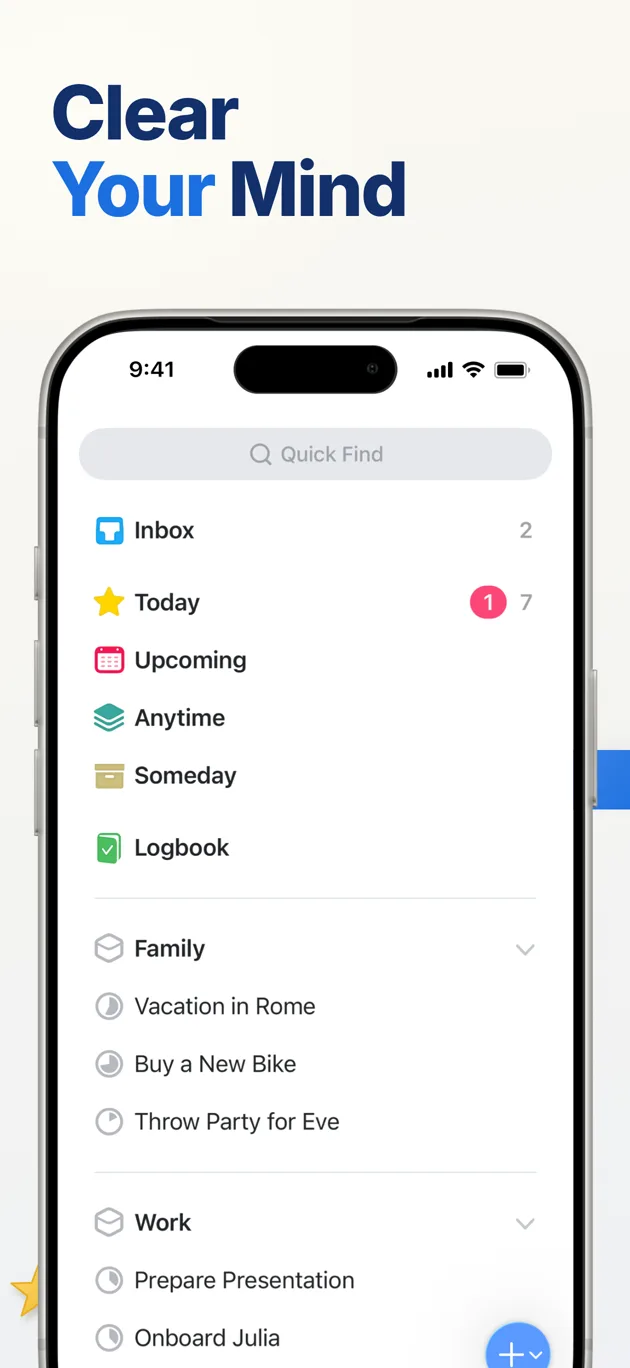
Your screen, framed
Clear Your Mind
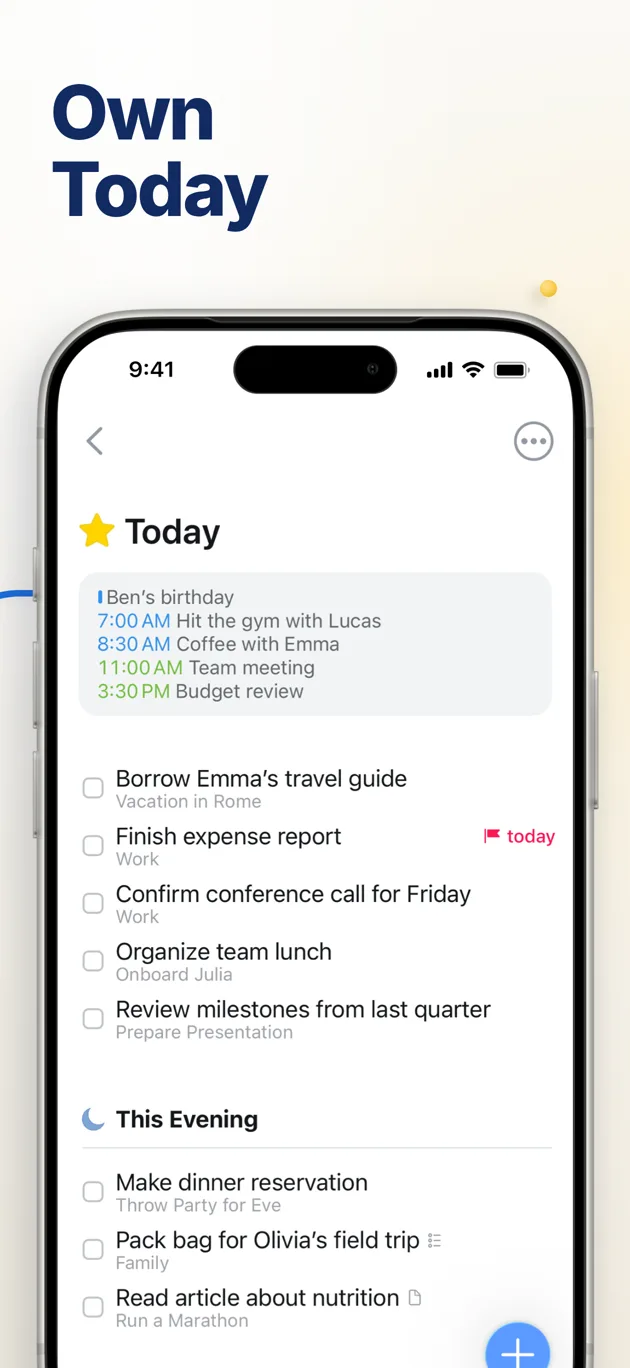
Your screen, framed
Own Today
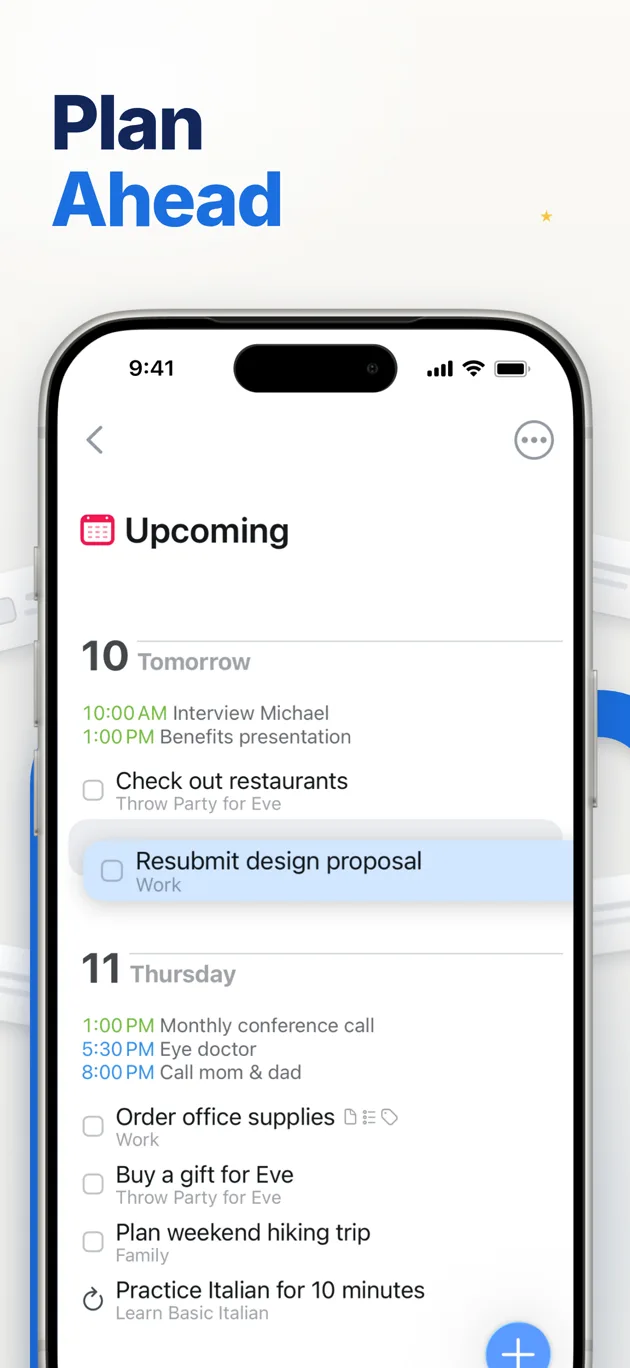
Your screen, framed
Plan Ahead
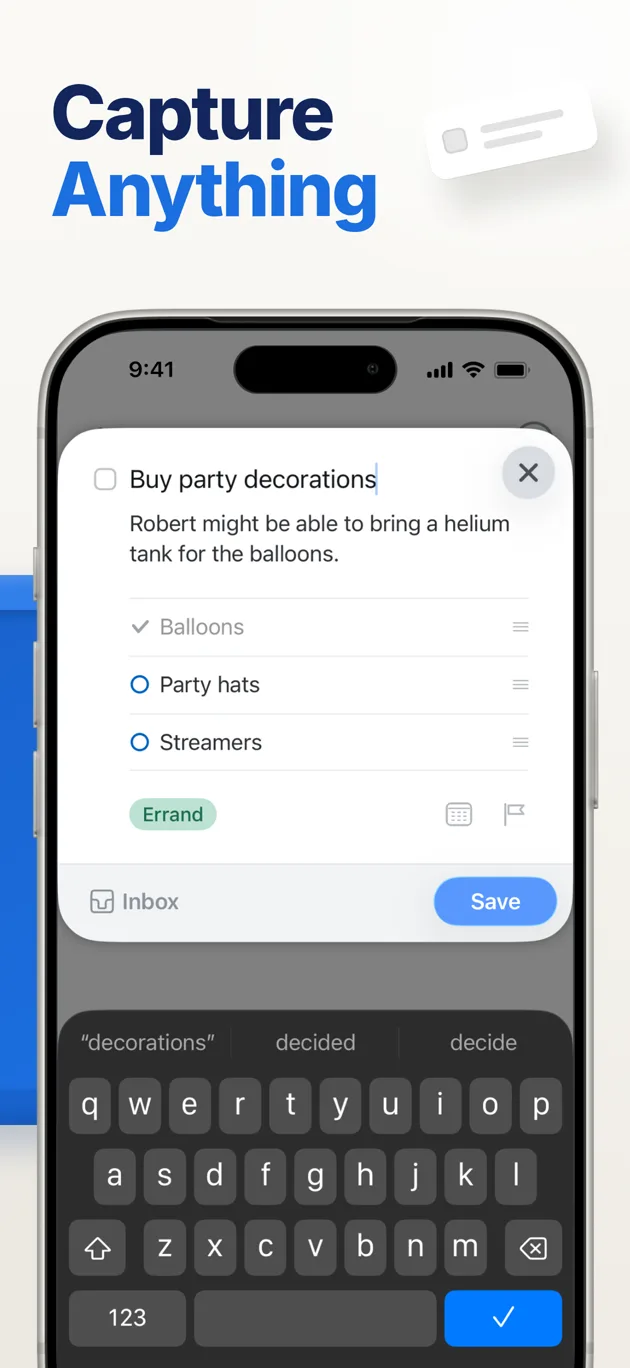
Your screen, framed
Capture Anything
Flight tracker
Calm control in air-travel chaos: a luminous airliner over dark terrain drawn in violet contour lines, with the app's real cards placed along the flight path as evidence.

Opening 1 of 3
Know before the airline does

Opening 2 of 3
See why you're late

Opening 3 of 3
Your gate, at a glance

Your screen, framed
The Flight Tracker Pilots Use

Your screen, framed
Every Flight at a Glance
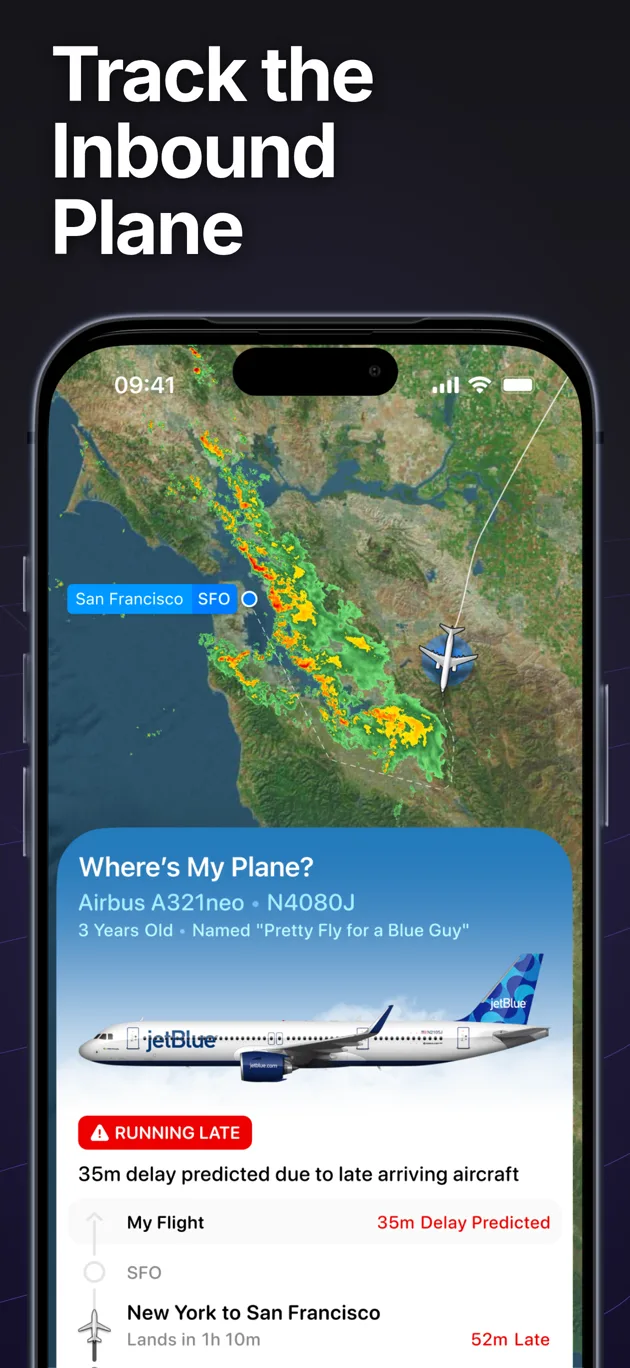
Your screen, framed
Track the Inbound Plane
Your real UI.
Your screenshots become the campaign's screens
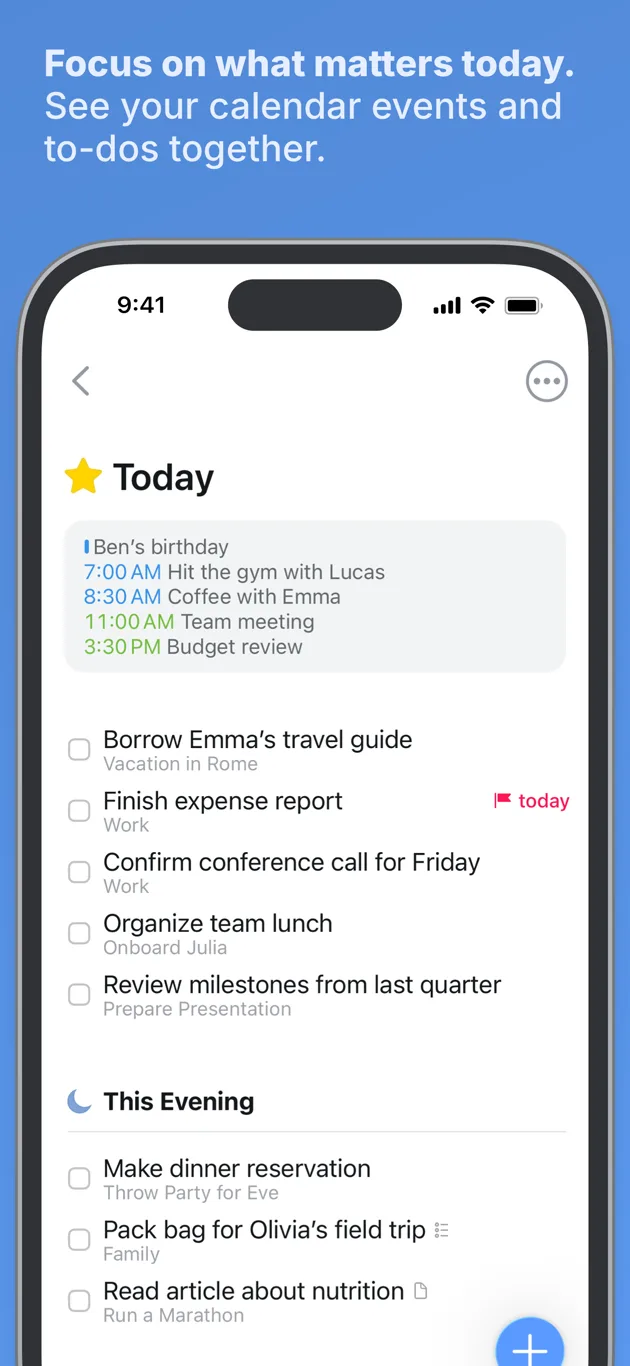
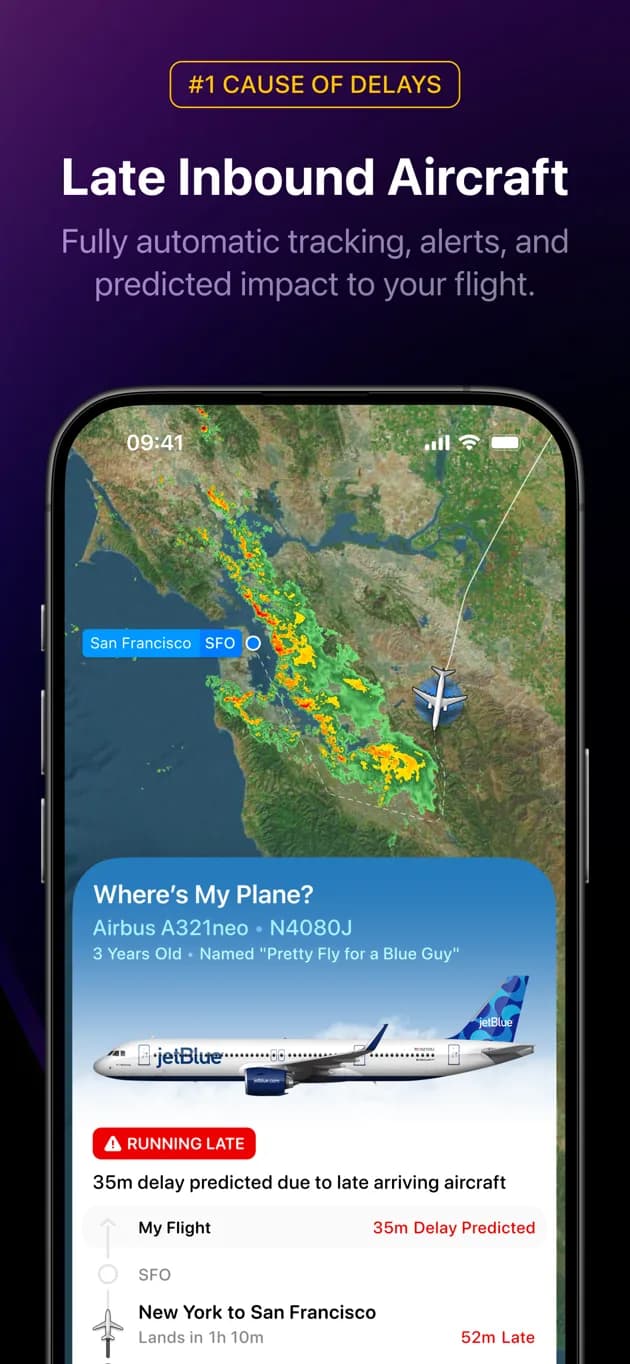
Most listings already have store art: a phone floating over a headline. Screenshot Studio finds the app UI inside it, cuts the same region across screens shot on the same template, and places it in the iPhone frame at true scale, width-fit and top-anchored. Nothing is stretched or zoomed, and a screen that was cut off in the source runs off the bottom edge, the way store art does.
Your listing today
As Apple serves it
Screenshot Studio
Own Today
Task manager
The listing shows a dark phone under white text on a flat blue field. The Studio found the screen inside it, set it in the campaign's blue phone on the cream desk, and gave it a headline in the campaign's type.
Your listing today
As Apple serves it
Screenshot Studio
Track the Inbound Plane
Flight tracker
The listing already had marketing art around this screen. The Studio cropped back to the UI, kept its storm radar at true scale, and let the phone run off the bottom edge like every other screen in the set.
Art direction, not templates.
One brief, three hooks, every screen to match
This is the same campaign workflow the Rork agent runs when it ships an app to the App Store, opened up for any listing.
Opening 1 of 3
Just today. Clearly.
Opening 2 of 3
Big goals, small steps
Opening 3 of 3
Everything off your mind
- The brief comes first
- Rork reads your listing, icon and screenshots, then writes a campaign brief: the concept, the palette, the materials and the typeface family every slide will share.
- Three opening hooks
- The first slides in a listing carry the pitch. The brief becomes three full-bleed images, each with its own headline, painted at the App Store canvas rather than upscaled from a thumbnail.
- A reviewer checks the art
- A vision model inspects every hook for the things generated art gets wrong: a misspelled headline, invented interface, a phone clipped at the wrong edge. Anything that fails is repainted once with the reviewer's notes.
- Screens inherit the look
- Slides that show your app take their palette, materials and typography from the hook you approve. There is no separate background generator, so the whole set reads as one campaign.
- Native pixels in
- App Store imports pull the full-size screenshots, not the 392 pixel thumbnails the lookup API hands out. GitHub repos and raw simulator captures work too.
- App Store sizes out
- Campaigns export as 1260 by 2736 PNGs, the 6.9 inch iPhone size. Template decks export at 1284 by 2778. App Store Connect accepts both for every modern iPhone.
Questions
Is it really free?
Yes. Screenshot Studio is free while it is in beta, and you do not need an account.
What is the difference between a campaign and a template deck?
A campaign starts with a brief and three opening images, and frames your screens to match them. A template deck applies one layout and one style to every screen. Campaigns are the default; switch to a template deck when you want a fixed composition.
What sizes do I get?
Campaign slides are 1260 by 2736 PNGs, the 6.9 inch iPhone size. Template decks export at 1284 by 2778, the 6.5 inch size. App Store Connect accepts both for every modern iPhone.
My screenshots already have marketing art on them. Does that matter?
No. The Studio finds the app interface inside your existing store art and frames only that, at true scale. If your screenshots are raw simulator captures, it uses them as they are.
My app is not on the App Store yet. Can I still use it?
Yes. Import a GitHub repo, or upload screenshots from your simulator. The Studio writes the brief from your app's name, category and summary, which you can edit before generating.
Can I control the style?
Yes. Mention a preference in a sentence, or pick a preset, and the art director respects it. In a campaign the brief owns the concept; in a template deck the whole deck follows the preset.
What if an opening image has a mistake?
Every hook is reviewed by a vision model and repainted once if it fails. If it still has an issue, the card shows the reviewer's note so you can judge it yourself, and you can leave that image out of the download.
Screenshots are step one
Rork builds the whole app
Describe the app you want and Rork designs it, writes the code, and publishes it to the App Store, with the screenshots included.